Your agent, with an eye for color.
Add Hue42 to Claude Code, Cursor, Codex, Claude or ChatGPT. It builds palettes that pass their checks, writes them into your code, and makes posters in them. Free, with no account.
Not on Claude Code? Set it up in Cursor, Codex, Grok, Claude or ChatGPT.
One request, four ways
We are running a reef fundraiser. Build the palette, check it, and make the posters.
- read_paletteCerulean Surge, 5 of 5 checks
- make_posterCoral Fans, “REEF”
- make_posterTidal Ribbons, “LOW TIDE”
- export_palettetailwind.config.js
Deep sea leads, chalk gives it air, and salmon pulls focus.
read_palette
Cerulean Surge
- Pass:A readable pairBest text pairing is 13.5:1 (4.5:1 passes WCAG AA).
- Pass:Light to dark rangeLightness spans 69 points of 100.
- Pass:Every color distinctNo two colors are close enough to be confused.
- Pass:Holds up colorblindColors stay distinguishable under common color vision types.
- Pass:Room to breatheThere is a quiet color for surfaces and backgrounds.
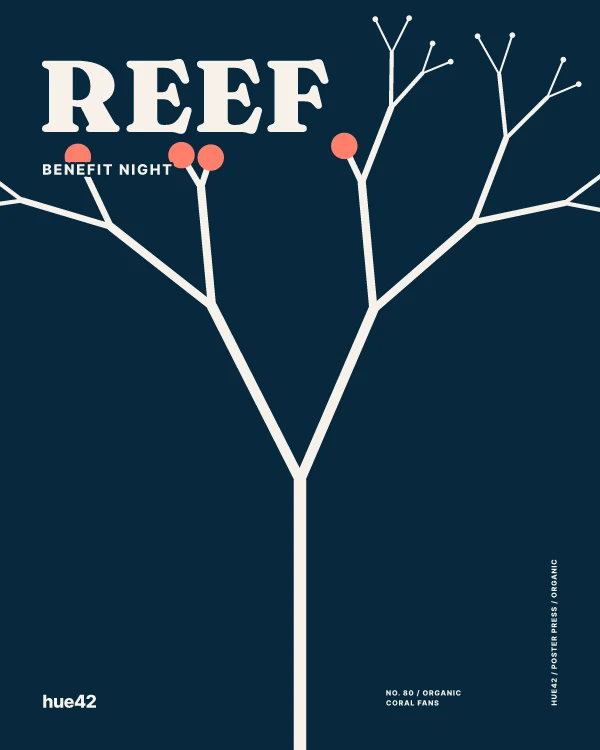
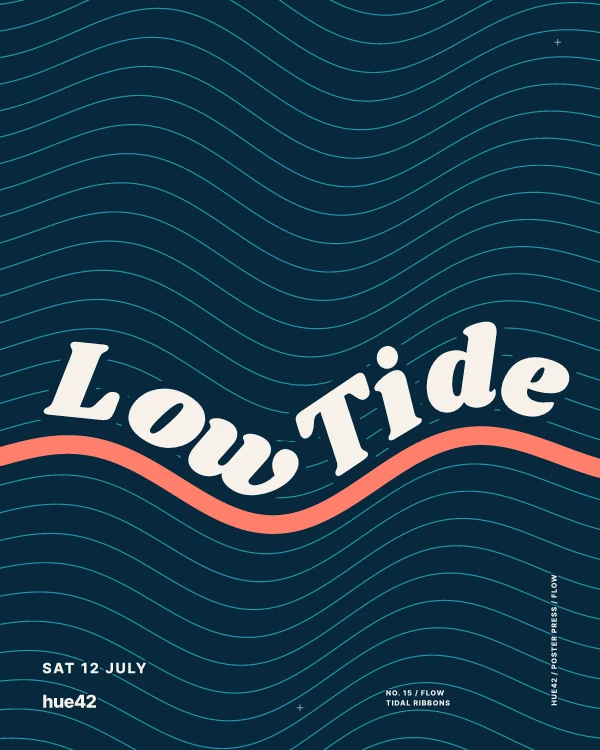
Two calls to make_poster, in the palette it had just checked. Open either one to change the words or the colors.
Ask about color. Get numbers, not a guess.
A model on its own estimates contrast and invents shade ramps. With Hue42 it measures. These four answers are for the Reef night palette above.
check_contrast
Can this text sit on that color?
Reef night
Doors at seven. Bring a friend and something to share.
2.2:1
Fails for body textFails for large textIt answers with the nearest color that passes: #BE3E2A at 4.8:1.
color_shades
One color becomes eleven steps
From Deep Sea #06283D, light to dark, with the CSS variables to paste.
simulate_color_blindness
The same palette, through other eyes
- As picked
- Protanopia (Red-Blind)
- Deuteranopia (Green-Blind)
- Tritanopia (Blue-Blind)
- Achromatopsia (Monochromacy)
export_palette
Written into your project
CSS, SCSS, Tailwind, JSON or SVG, named by the job each color does.
// tailwind.config.js
module.exports = {
  theme: {
    extend: {
      colors: {
        base: "#06283D",
        analog: "#1B9AAA",
        accent: "#FF7F6B",
        support: "#FFD6BA",
        tint: "#F6F1E9",
      },
    },
  },
};
build_palette
“Five colors around the one I already have.”
palette_from_mood
“Something calm. Something loud. Something earthy.”
fix_palette
“Two of these are too close. Repair it and tell me what moved.”
name_color
“What do I call #2B3A67 in the design doc?”
137 posters and patterns, in whatever colors you bring
Your agent can make any of them, save the picture into your project, or hand you the link to change it. Browse every one here.
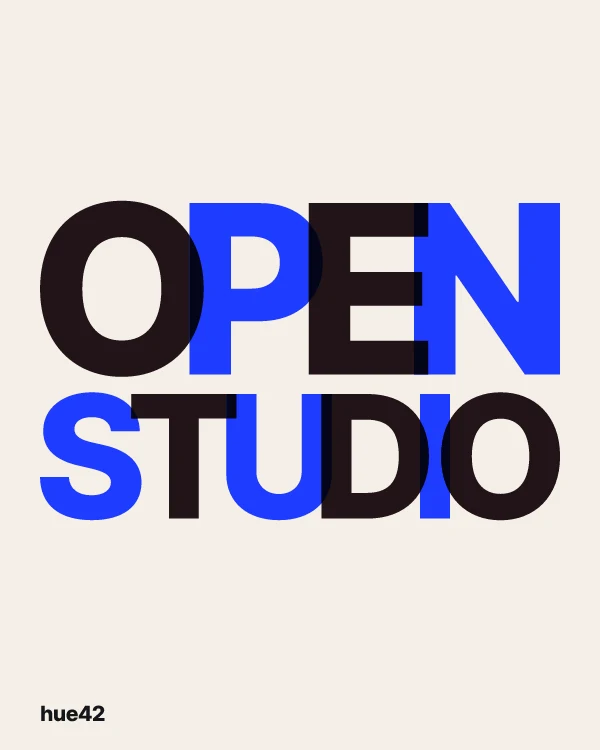
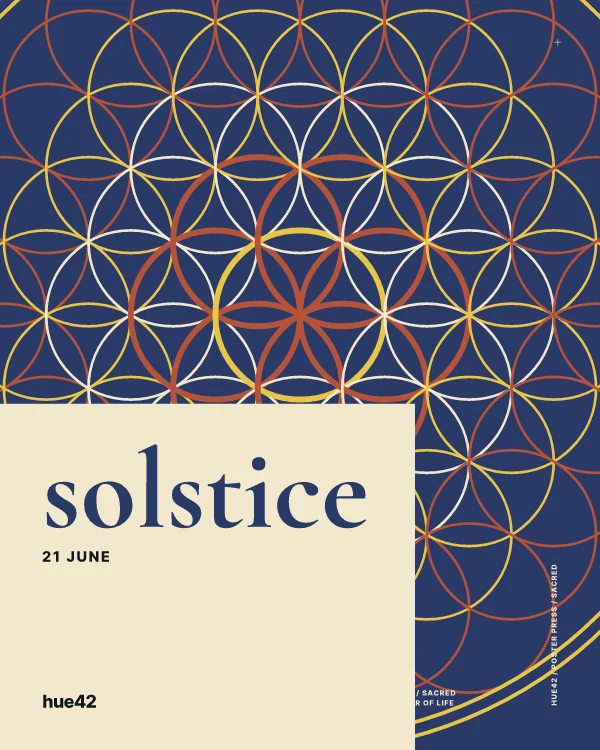
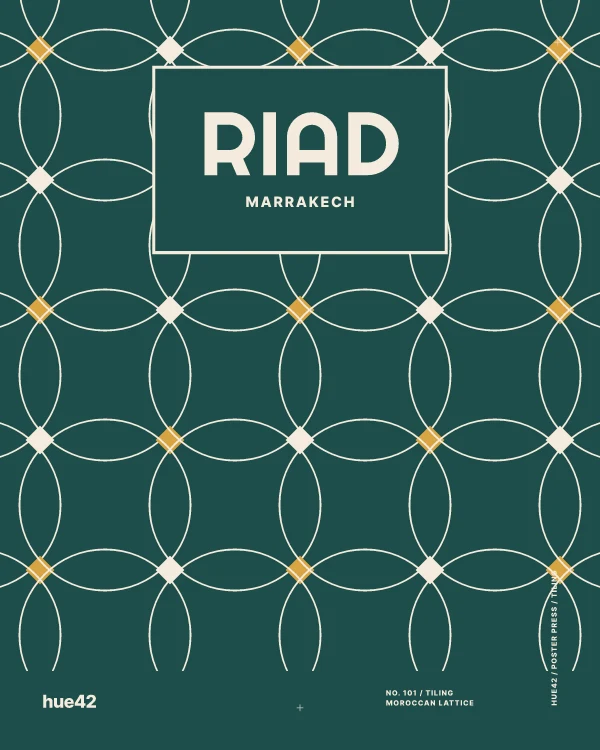
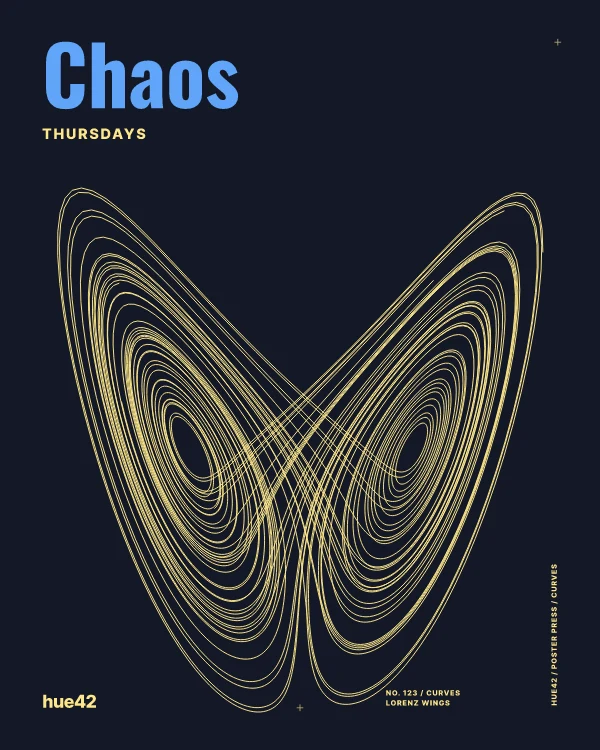
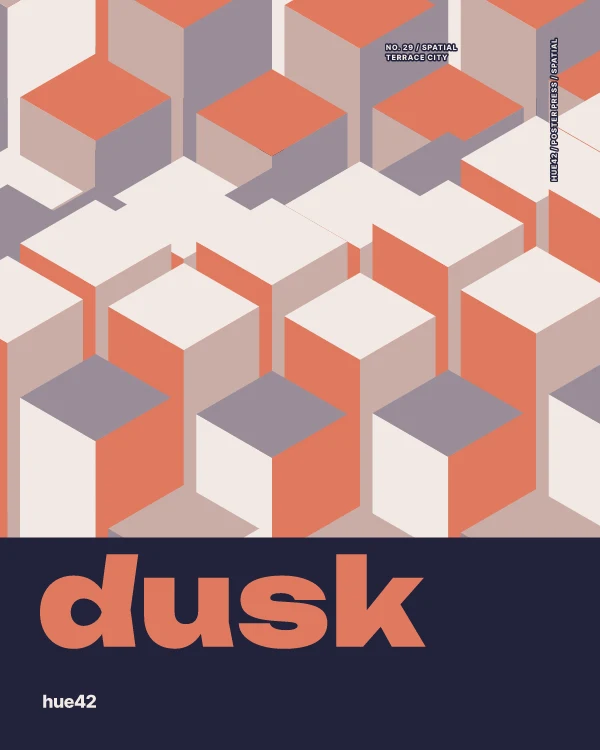
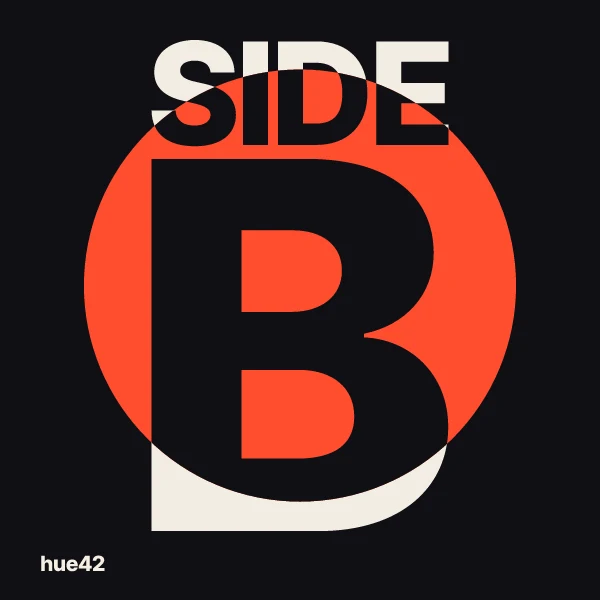
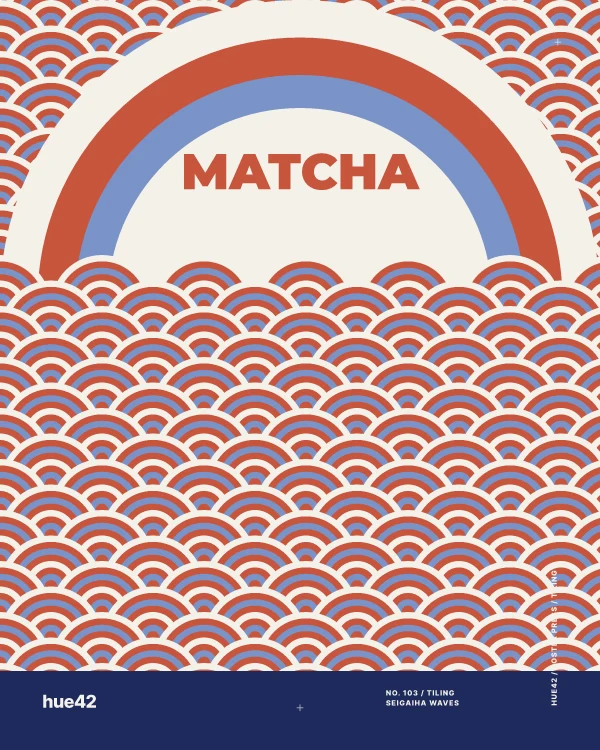
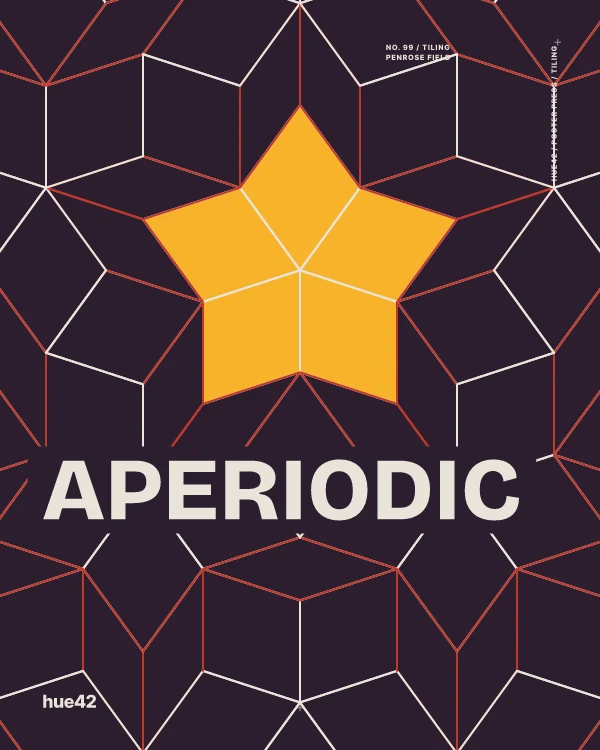
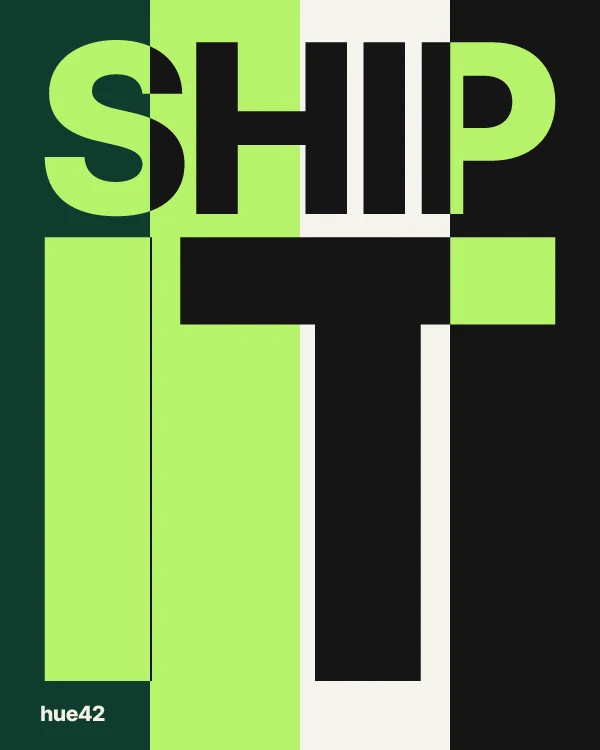
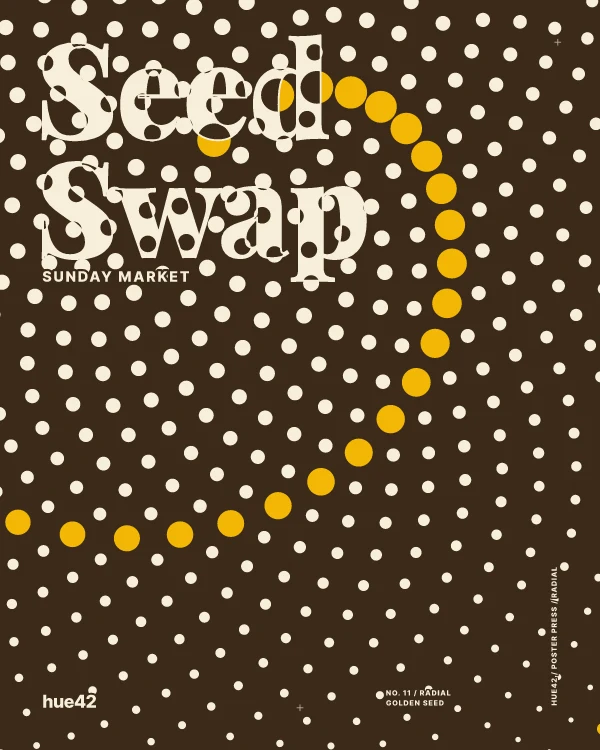
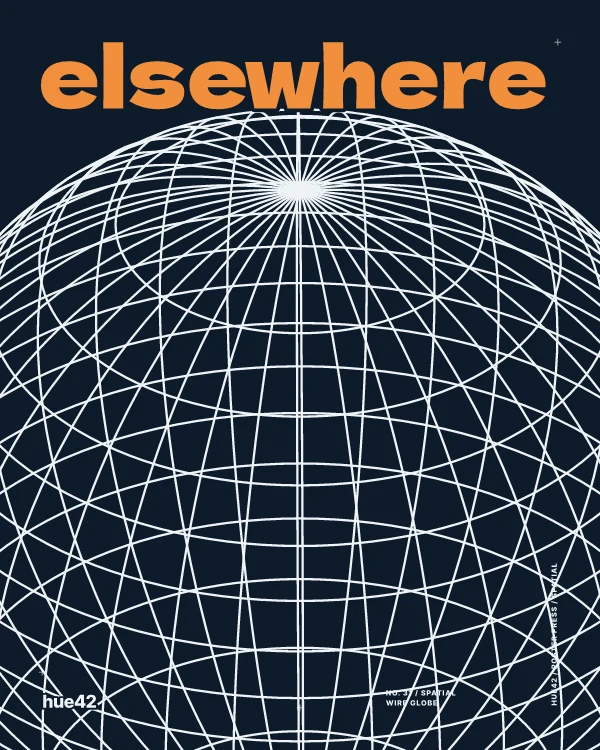
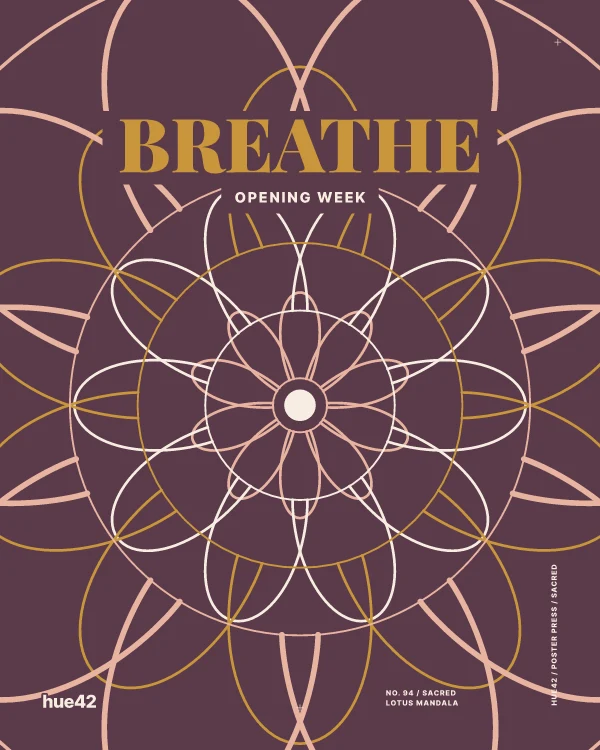
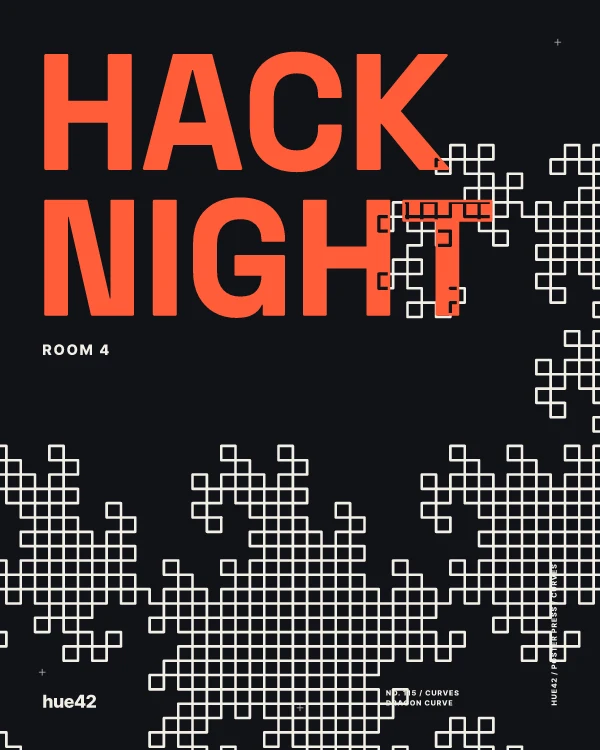
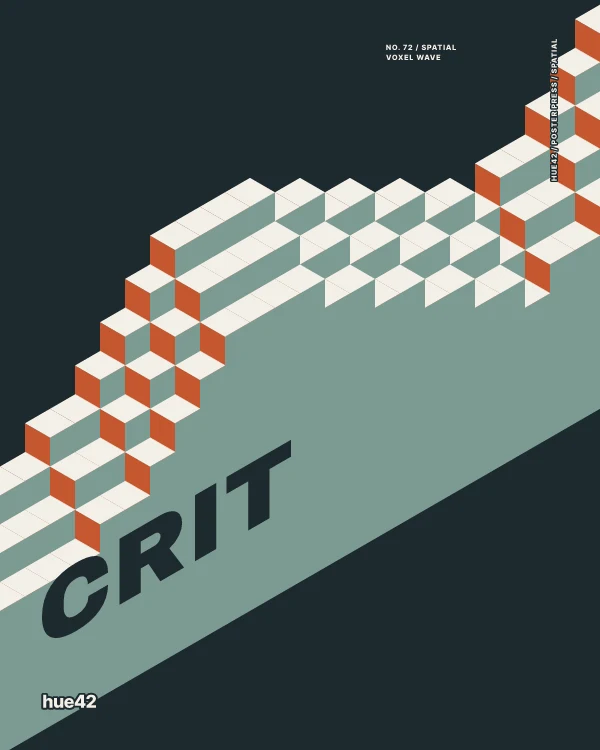
Each of these started as the sentence under it. Through the connector a poster comes back as a picture 600 pixels wide with the hue42 mark, plus a link that opens it in the editor, where you can change it and save the full-size file.
Add it in a minute
One address for every assistant. Nothing to buy, nothing to sign in to, and your colors are not saved.
Connector URL
- Run the line in a terminal, once.
- Start Claude Code in your project and ask for a palette or a poster.
Menus move around, and custom connectors can be limited by your plan or workspace. If your screen differs, look for the option to add a custom connector or MCP server.
With a key
Your Hue42 account, inside your agent
The open connector works with colors you give it. Add a key and the same agent can reach what is already yours. Any Hue42 account can make one.
Checking sign-in.
Your saved palettes
“Use our brand palette.” Your agent reads the palettes in your account instead of asking you for hex codes.
The palette library
It searches every public Hue42 palette by words or by a color it should contain.
Posters saved to your account
What your agent makes lands beside what you make yourself, ready to open in the editor. Saving is part of Pro.
https://hue42.com/mcp/account
The key goes in an Authorization header. It is stored only as a hash, so we cannot show it again; revoke it here at any time.
Your data
The connector receives the colors, words and options your assistant sends in each request, and works out the answer in that request. It does not store them, and it needs no account. A poster link holds the whole poster in the address itself. With an agent key, the keyed connector reads the palettes and posters saved in your own account, and saves a poster there when your agent asks it to; we store a hash of the key, when it was last used and how many calls it has made. Your IP address is used to limit how fast one address can call it. Read the full privacy policy.
Through the connector, palettes are built with up to five colors and exported as CSS, SCSS, Tailwind, JSON or SVG. Larger palettes and more export formats are part of Hue42 Pro.
All 15 tools, in the connector's own words
Build a palette from one color
build_paletteBuilds a color palette around one color you give it, using a color harmony. The given color is kept exactly. Returns each color with Hue42's name and its role in the palette (base, anchor, tint, accent and so on), the five Hue42 checks with plain explanations, and a link that opens the palette in Hue42. The result can differ between calls. Builds up to 5 colors.
Build a palette from a mood
palette_from_moodBuilds a color palette in one of Hue42's six moods, optionally around a color you give it. Returns each color with its name and role, the five Hue42 checks, and a link that opens the palette in Hue42. The result can differ between calls. Builds up to 5 colors.
Check a palette
read_paletteReads a palette you already have (2 to 10 colors) and runs the five Hue42 checks: a readable text pair, a clear light-to-dark range, every color distinct, holds up for color vision deficiency, and a quiet color to rest on. Returns each color's name and role, what each check measured, and a link that opens the palette in Hue42.
Fix a palette that fails checks
fix_paletteRepairs a palette (2 to 10 colors) that fails any of the five Hue42 checks, changing it as little as possible. It only moves colors lighter, darker or quieter (hues are never changed), never touches the base color or colors you lock, and lists every change in plain words. If the palette already passes, it says so and changes nothing.
Check text contrast (WCAG)
check_contrastMeasures the WCAG 2.x contrast ratio between a text color and a background color and reports whether it passes AA and AAA for normal and large text. If normal text fails AA, it also returns a lighter or darker version of the text color that reaches 4.5:1 on that background.
Name a color
name_colorGives one color Hue42's name (the same naming the Hue42 tool uses) and its values in hex, RGB, HSL and OKLCH, plus a few other names that also fit.
Make a shade ramp
color_shadesMakes an eleven-step ramp (50, 100, 200 through 900, 950) of one color, from near-white to near-black. Steps are even in OKLCH lightness and the hue holds. Returns each step's hex and the ramp as CSS variables.
Export a palette as code
export_paletteTurns a palette (2 to 10 colors) into code, with each color named by its role in the palette (for example --color-base, --color-accent). Formats: css (custom properties), scss (variables), tailwind (theme colors), json, svg (a swatch strip). Returns the code and a link that opens the palette in Hue42.
Simulate color blindness
simulate_color_blindnessShows how colors appear under protanopia (red-blind), deuteranopia (green-blind), tritanopia (blue-blind) and achromatopsia (no color), using a standard simulation matrix. With two or more colors it also lists the pairs that may be confused. A simulation is an approximation, not a medical test.
Plan where each color goes
place_colorsPlans how a set of colors can be used together, from the color values alone. It takes 2 to 10 colors, or a mood or a starting color (from), in which case a palette is built first. Twins are two colors that cannot be told apart under some kind of color vision, including none at all. By default each pair of twins is parted by moving one of the two to a shade of itself, and repairs lists which color moved and to what. It returns the final colors, a light scheme and a dark scheme (surface, body text, heading, link, button fill and button label, each with its measured contrast: body text and button label reach 4.5:1, or the slot names the shade that would), a two-ink pair (the two colors with the most contrast, for work printed in two colors), the contrast of every pair once, and the five Hue42 palette checks on the final colors. Contrast figures are WCAG measurements. Twins are found by a rule, stated in twin_rule: a distance between the two colors after each kind of color vision is simulated, which is a close guide, not a measurement of what a person sees. The twin test includes vision with no color at all, which the five palette checks leave out. hex_colors is the final colors as a plain list, the form the colors input of make_poster, make_campaign and export_palette takes.
Find Hue42 posters and their settings
list_postersLists Hue42 posters: type posters (lettering only) and pattern posters (a drawing with a title), grouped in families. With no input it returns the families and every poster id. With search (a word for what the poster shows, such as stairs, waves or rings) or family, it returns the matching posters with their descriptions, grouped by family. With detail true and a family, a poster or a search, it also returns each poster's own settings (names, real ranges, defaults), its sheets, its typeface, and whether a two-word title stays on one line on its own sheet. Posters of one family share a look. The list is read from Hue42 each time the tool is called.
Make one poster
make_posterMakes one Hue42 poster from a poster id, 2 to 5 colors and the words. With no ground or sheet given, it draws the poster with the colors as the ground and on its sheets in turn, measures each arrangement, and returns the first with nothing to fix. If every arrangement has a fault, the nearest to clean is returned with clean false. clean is true when every measured check passed; when it is false, each must_fix entry gives the problem and the one change that clears it, and alternatives lists other posters that are clean with the same words and colors. url opens the poster in the editor on hue42.com, and image_url is a picture of it (PNG, 600 px wide, with the hue42 mark). It also returns same_family (other posters of the family that are clean and keep their own composition), the poster's page, the settings used, and a measured report of what was drawn: the colors, the contrast of each line and where the drawing meets the letters. The poster decides capitals and line breaks: report.title.lines is how the words were set. Text over the limits is refused with the limit stated, never cut. The same input gives the same poster. make_campaign is the tool that returns a set of several posters sharing one family and one system.
Make a set of posters as one identity
make_campaignMakes a set of up to 6 posters in one call: a campaign, a series, one poster for each of several messages or sizes. It takes the colors and, for each job, the words and a subject (what the poster should show). The whole set comes from one poster family: by default the family whose posters best match the subjects and come out clean. family names the family, and mix true lets a job leave it. One system is held across the set (family, ground color, sheet) and returned as system. Each poster keeps its own typeface and capitals, which are part of its design, unless font or letter is given. No poster is used twice, and each is solved the way make_poster solves one. Each job comes back with the poster, its links (url opens it in the editor on hue42.com, image_url is a picture of it), its measured report (ground, sheet, title and second line with contrast, how the drawing meets the title, the drawing colors, notes), only what differs from the system, and must_fix, which is empty when the poster is clean. The report carries the same figures make_poster gives for that poster.
Make a brand's pieces from one kit
make_brandMakes up to 6 pieces for one business in one call, all from one brand kit. A piece is an object people already know how to read (a hang tag, a queue ticket, a window sign, a care label, a bill, a postcard, a menu board, a table, a door notice), a product, an ad, a brand board or a layered scene poster, drawn with light and shadow. The kit is decided once and held on every piece: one mark, one sign typeface, one text typeface, one case, and colors by role. accent is the brand's own color: it is kept exactly as given and always appears as a shape. Only ink is moved, and only when it cannot be read on paper, and notes says so when it was. Nothing of Hue42 is printed on a piece. big is the largest thing on a piece (a price, a number), and lines is set as small print. Every line of text comes back with its measured contrast and its size in pixels in the 1200-wide picture. clean is true when every line of text on every piece can be read; when it is false, must_fix names each line that cannot and the change that would fix it. image_url is a picture of the piece (PNG, 1200 px wide).
Make a Hue42 Original
make_originalHue42 Originals are finished art posters drawn by code, such as Swell (upright stripes that bend and pinch together) or Forty-Two Suns (a grid of suns, each a step round the hue wheel). With no input this tool returns the list: each Original's id, what it shows and what can change on it. With an id or name it returns that Original, in the colors given when the piece takes colors. An Original takes no words, and it is one shape: 2 to 3, the proportion of 24 by 36 inch paper. Most take a whole palette, one takes a single color, and a few are drawn only in their own colors: colors given to one of those are not used, and the reply says so. url opens the Original in the editor on hue42.com, and image_url is a picture of it (PNG, 600 px wide, with the hue42 mark). Nothing is measured: an Original has no title to check, so there is no contrast report. The same input gives the same picture. make_poster is the tool for a poster with a title in the caller's words.